> For the complete documentation index, see [llms.txt](https://docs.voicestats.xyz/llms.txt). Markdown versions of documentation pages are available by appending `.md` to page URLs; this page is available as [Markdown](https://docs.voicestats.xyz/dashboard/settings.md).
# Settings
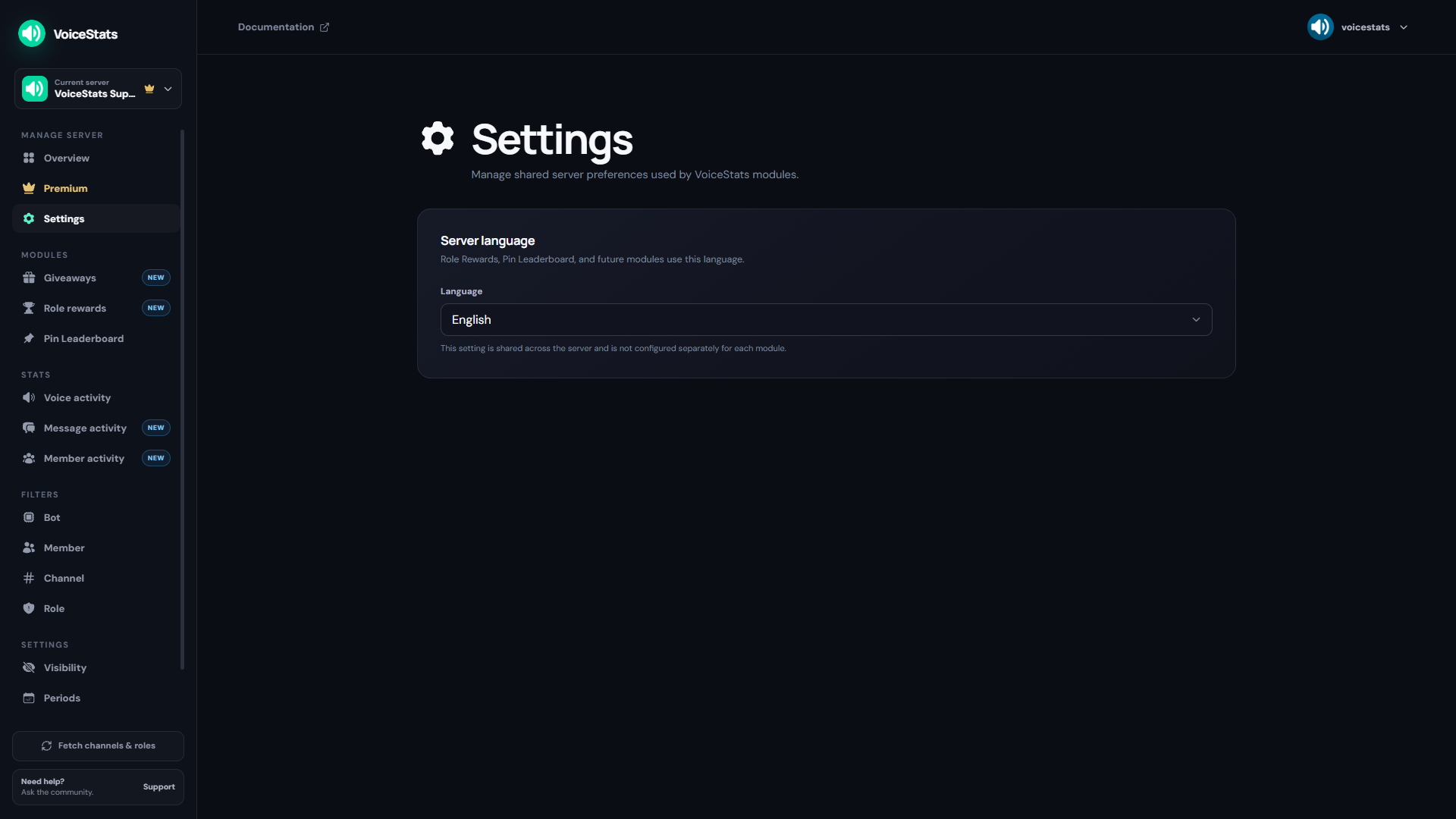
The **Settings** page under **Manage server** contains preferences shared by VoiceStats modules. The sections appear in this order:
1. Server Language
2. Time Units
3. Timezone
4. Periods
5. Visibility
Select one of the indented Settings links in the sidebar to jump directly to that section without leaving the page. You can collapse a section with its arrow and reopen it when needed. Each section is saved independently, so changing one preference does not overwrite the others.
## Server Language
The server language controls module-generated content for:
* Giveaways created from the Dashboard
* Role Rewards
* Pin Leaderboard
* Future VoiceStats modules that support localized output
New server settings default to English (`en-US`). The same value can be changed from the bot's `/settings` menu.
This is a server-wide preference. Modules do not maintain separate language settings. A giveaway created with the `/giveaway` command uses the language of the person who creates it instead.
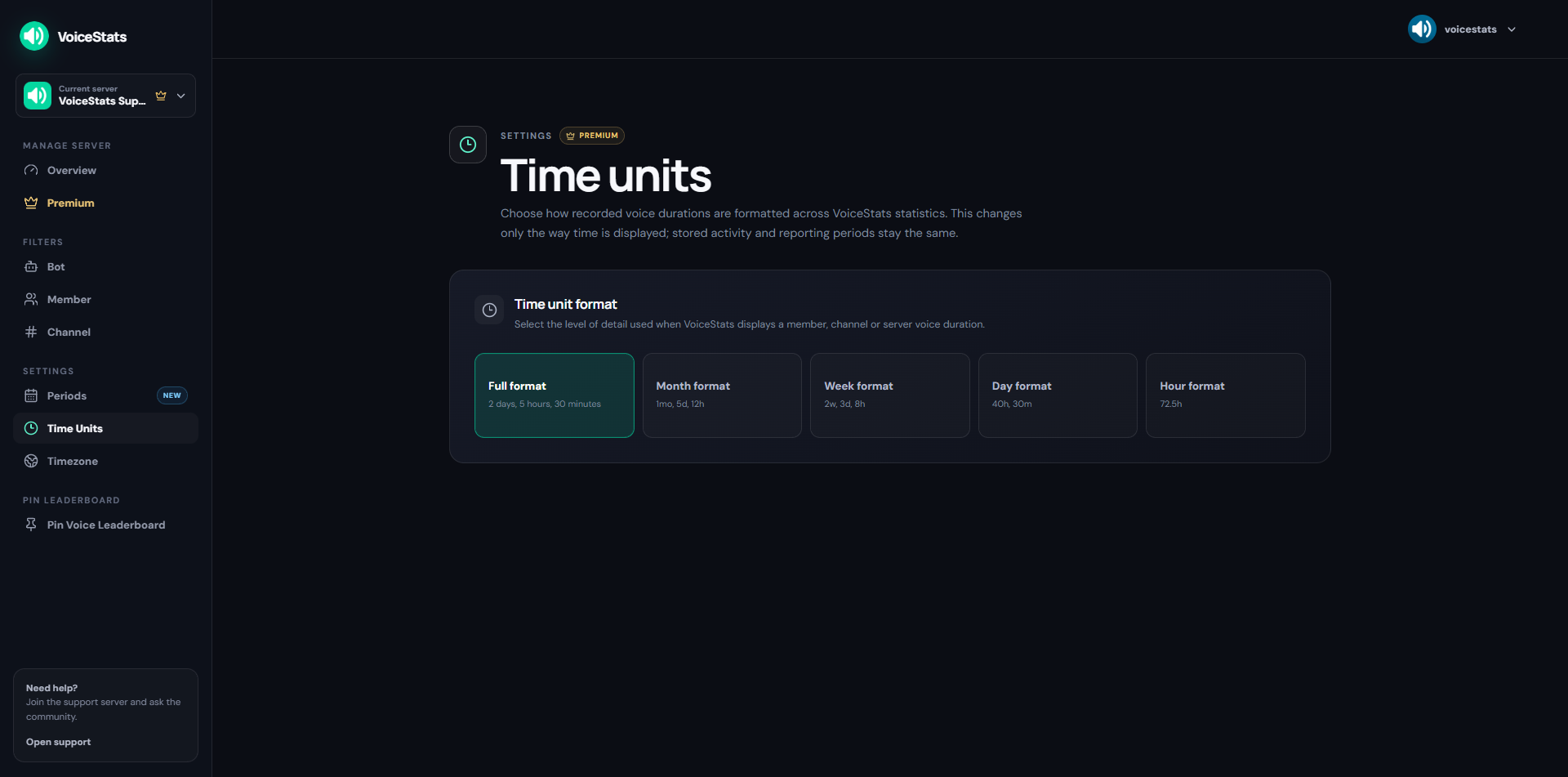
## Time Units
Time Units controls how voice durations are written throughout the bot and on the server's Web Leaderboard. It changes only the displayed format; recorded activity, generated charts, and reporting periods are not changed.
Choose one of these formats from the select menu:
* **Full format** — e.g., `1y, 2mo, 3w, 2d, 5h, 30m`
* **Month format** — e.g., `1mo, 5d, 12h`
* **Week format** — e.g., `2w, 3d, 8h`
* **Day format** — e.g., `2d, 10h, 30m`
* **Hour format** — e.g., `72.5h, 30m, 10s`
Time Units is available to both Free and Premium servers and can also be changed from the bot's `/settings` menu.
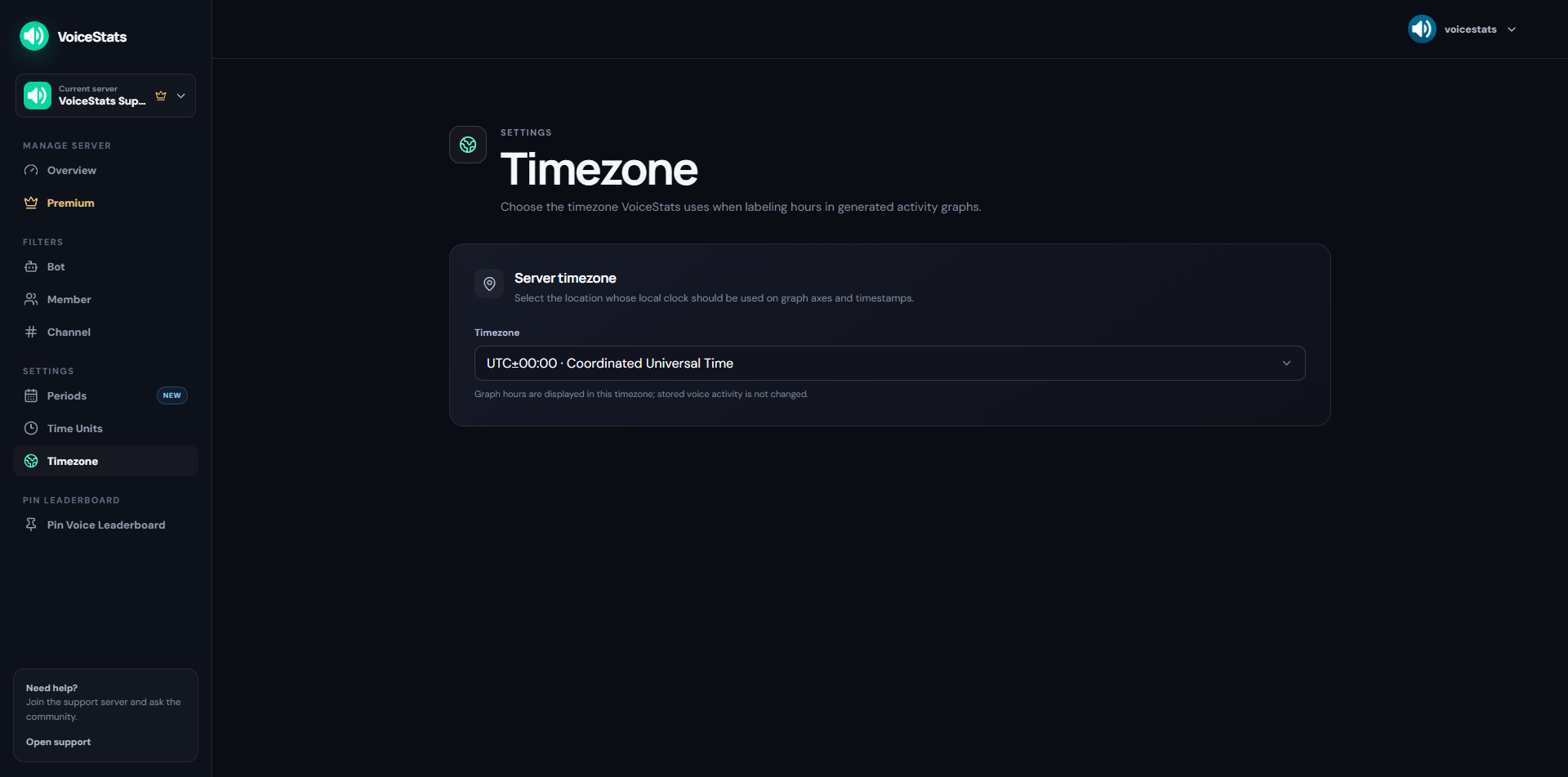
## Timezone
Timezone controls the local clock used for chart labels and other time-based statistics. Select the timezone that matches your server's primary region, such as `UTC+03:00 · Istanbul`, then save the section.
Changing the timezone does not alter stored activity.
## Periods
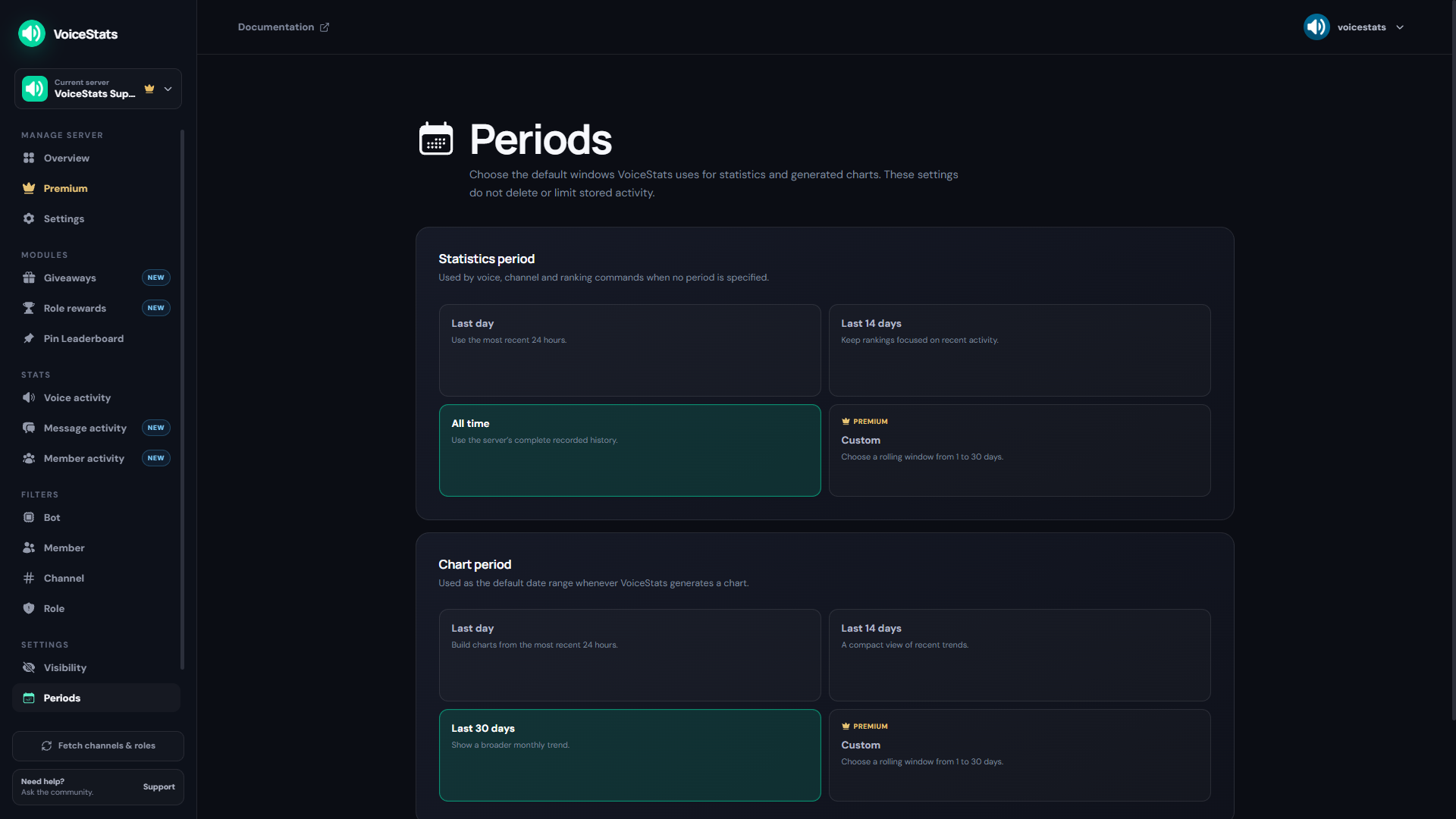
Periods controls the default windows used by statistics and generated charts. Changing these options does not delete or limit stored activity.
### Statistics Period
This period is used by voice, channel, and ranking commands when no specific period is selected.
* **Last day** — Uses the most recent 24 hours.
* **Last 14 days** — Keeps rankings focused on recent activity.
* **All time** — Uses the server's complete recorded history.
* **Custom** — Allows a Premium server to choose a rolling window with any number of days.
### Chart Period
This period is used as the default date range whenever VoiceStats generates a chart.
* **Last day** — Builds charts from the most recent 24 hours.
* **Last 14 days** — Provides a compact view of recent trends.
* **Last 30 days** — Shows a broader monthly trend.
* **Custom** — Allows a Premium server to choose a rolling window with any number of days.
{% hint style="success" %}
**All-time statistics are free.** Stats and rankings can use the server's complete recorded history without Premium.
{% endhint %}
{% hint style="info" %}
**💎 Note:** Custom period options are exclusive to Premium servers.
{% endhint %}
## Visibility
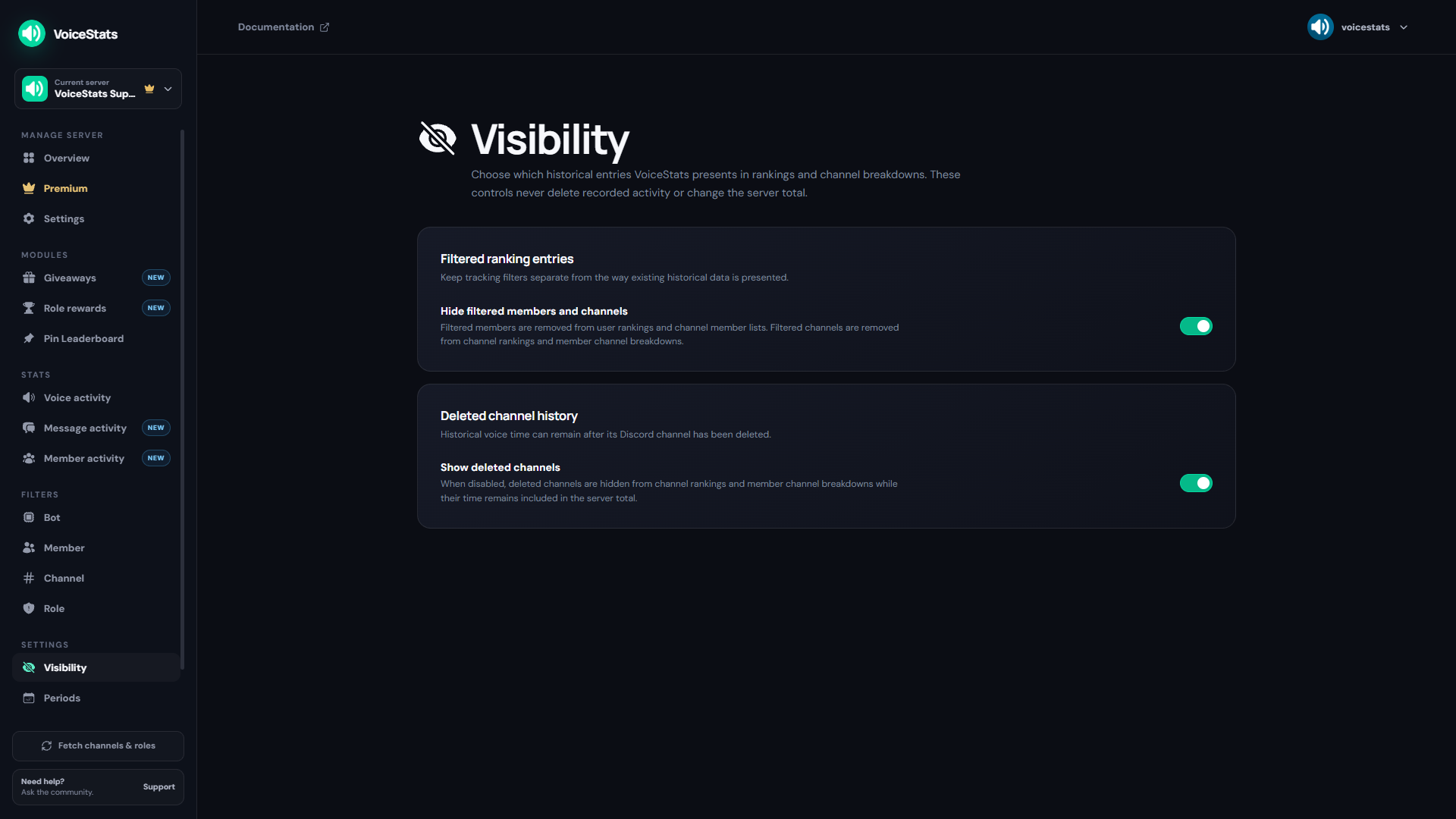
Visibility controls how historical entries appear in rankings and channel breakdowns. These settings never delete recorded activity or change the server total.
### Filtered Ranking Entries
Enable **Hide filtered members and channels** to remove filtered members from user rankings and channel member lists, and filtered channels from channel rankings and member channel breakdowns.
This also recalculates the rank displayed on user statistics cards without filtered members. Turning the option off makes historical entries visible again, but does not resume tracking while the member or channel remains filtered.
### Deleted Channel History
Enable **Show deleted channels** to keep historical voice time from deleted Discord channels visible in channel rankings and member channel breakdowns. Disabling it hides those entries while their recorded time remains included in the server total.