> For the complete documentation index, see [llms.txt](https://docs.voicestats.xyz/llms.txt). Markdown versions of documentation pages are available by appending `.md` to page URLs; this page is available as [Markdown](https://docs.voicestats.xyz/general/commands/server-commands.md).
# Server Commands
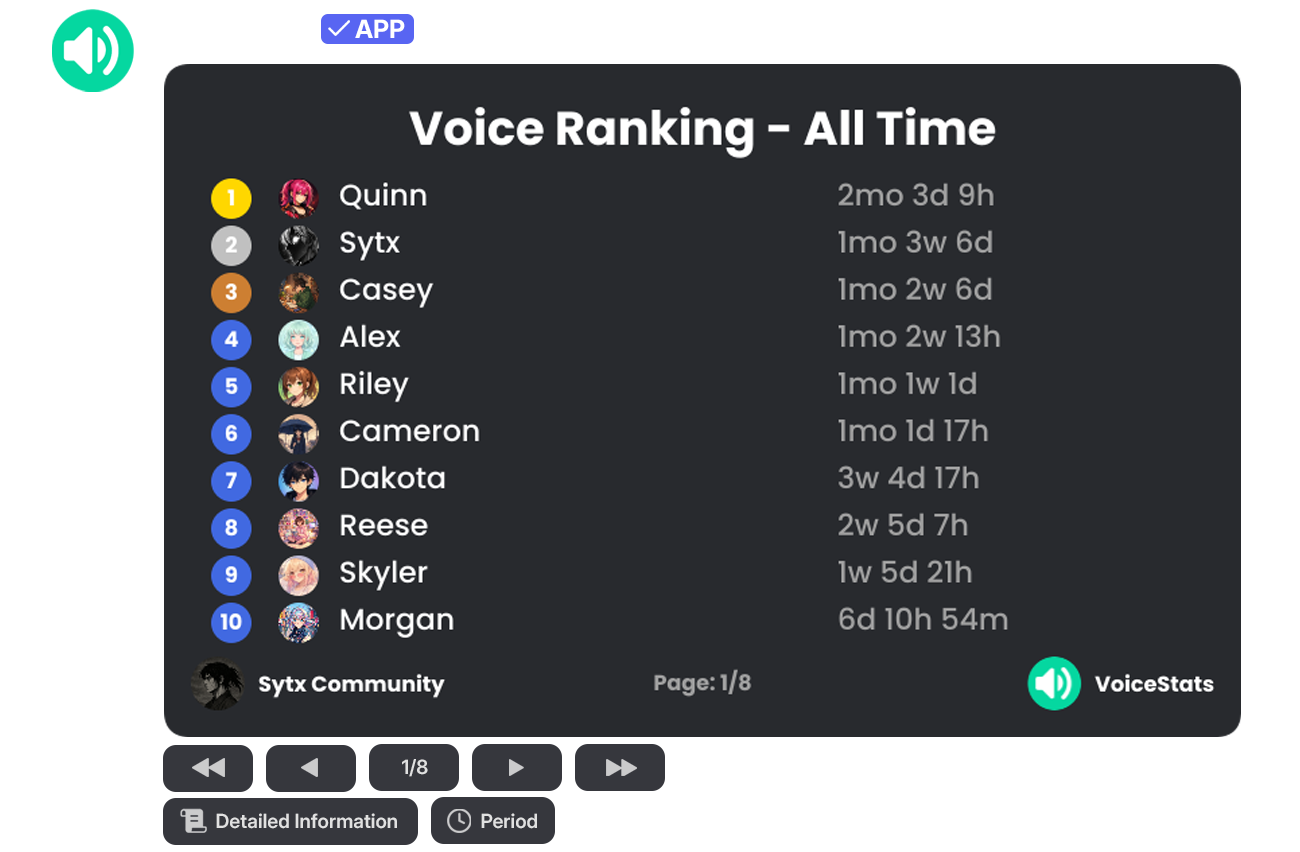
### /voice ranking
Displays the server's user voice rankings (leaderboard) based on the time spent in voice channels. Using the buttons located in the command output, you can navigate between pages and filter ranking data by different time periods (Last 1 Days, Last 14 Days, etc.) via the "Period" button.
| Command | Description | Usage | Example Usage |
| ---------------- | -------------------------------------- | ---------------- | ---------------- |
| `/voice ranking` | View the server's user voice rankings. | `/voice ranking` | `/voice ranking` |
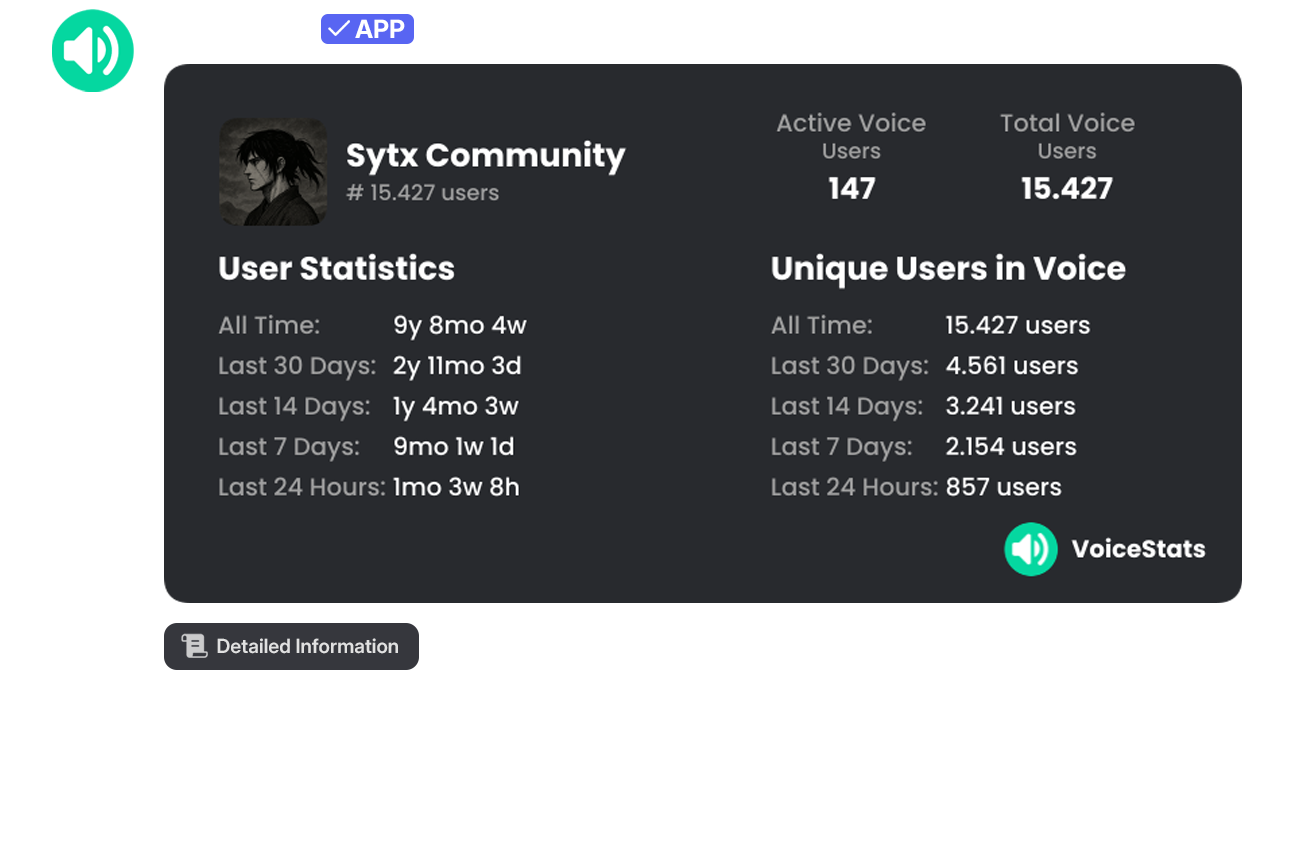
### /server stats
Displays the server's overall and unique voice statistics (all-time, last 30 days, last 14 days, etc.) on a single information card. This card includes active voice users and total unique user counts.
| Command | Description | Usage | Example Usage |
| --------------- | ----------------------------------- | --------------- | --------------- |
| `/server stats` | View the server's voice statistics. | `/server stats` | `/server stats` |
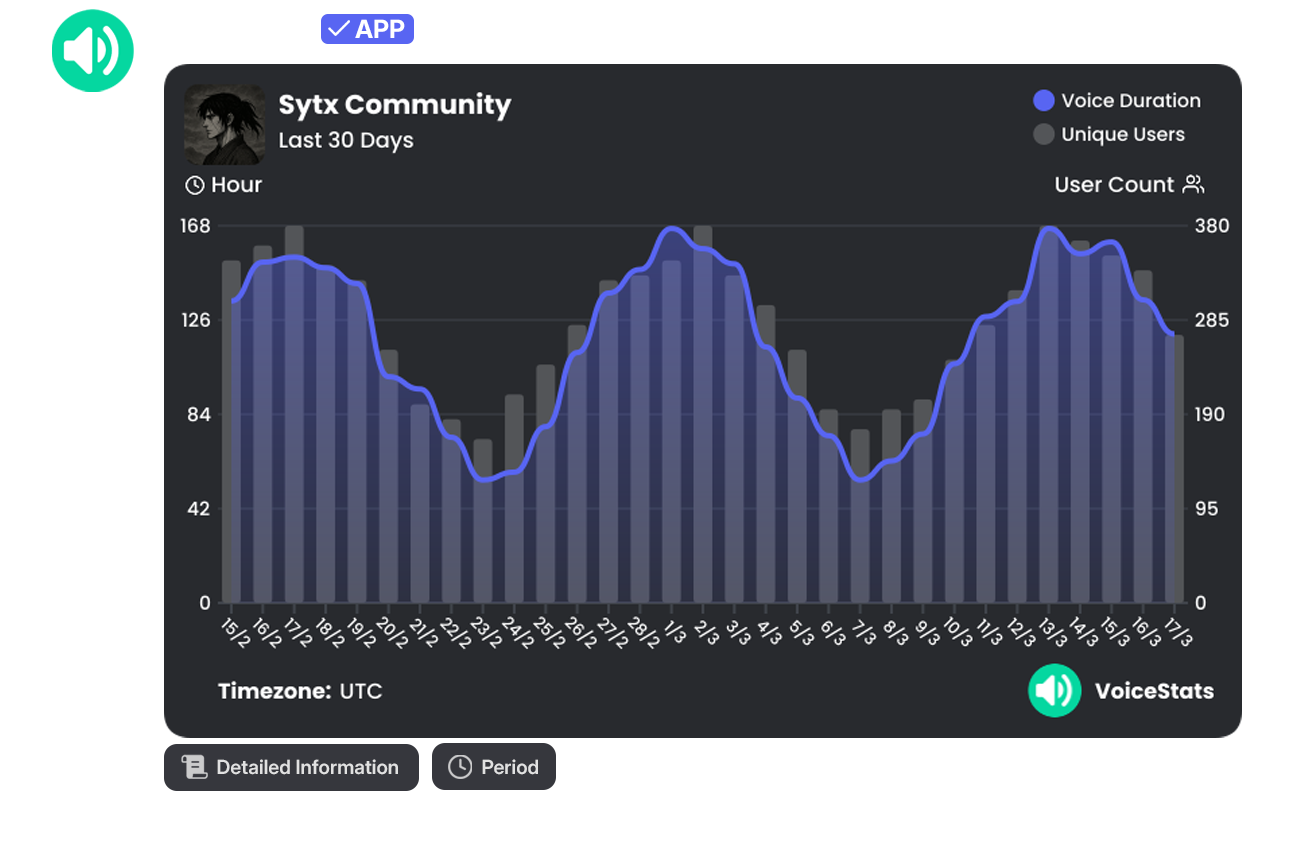
### /server graph
Displays the server's overall voice activity and user density graphically. Data fluctuations over different time ranges can be visualized using the "Period" button.
| Command | Description | Usage | Example Usage |
| --------------- | ----------------------------------------------- | --------------- | --------------- |
| `/server graph` | View the server's voice statistics graphically. | `/server graph` | `/server graph` |
Using the buttons located below the command output, data can be filtered and different time periods (Last 1 Days, Last 14 Days, etc.) can be selected.
{% hint style="info" %}
**💎 Info:** The Custom Period filtering feature is exclusive to Premium servers.
{% endhint %}