> For the complete documentation index, see [llms.txt](https://docs.voicestats.xyz/llms.txt). Markdown versions of documentation pages are available by appending `.md` to page URLs; this page is available as [Markdown](https://docs.voicestats.xyz/general/commands/user-commands.md).
# User Commands
### /user stats and /my stats
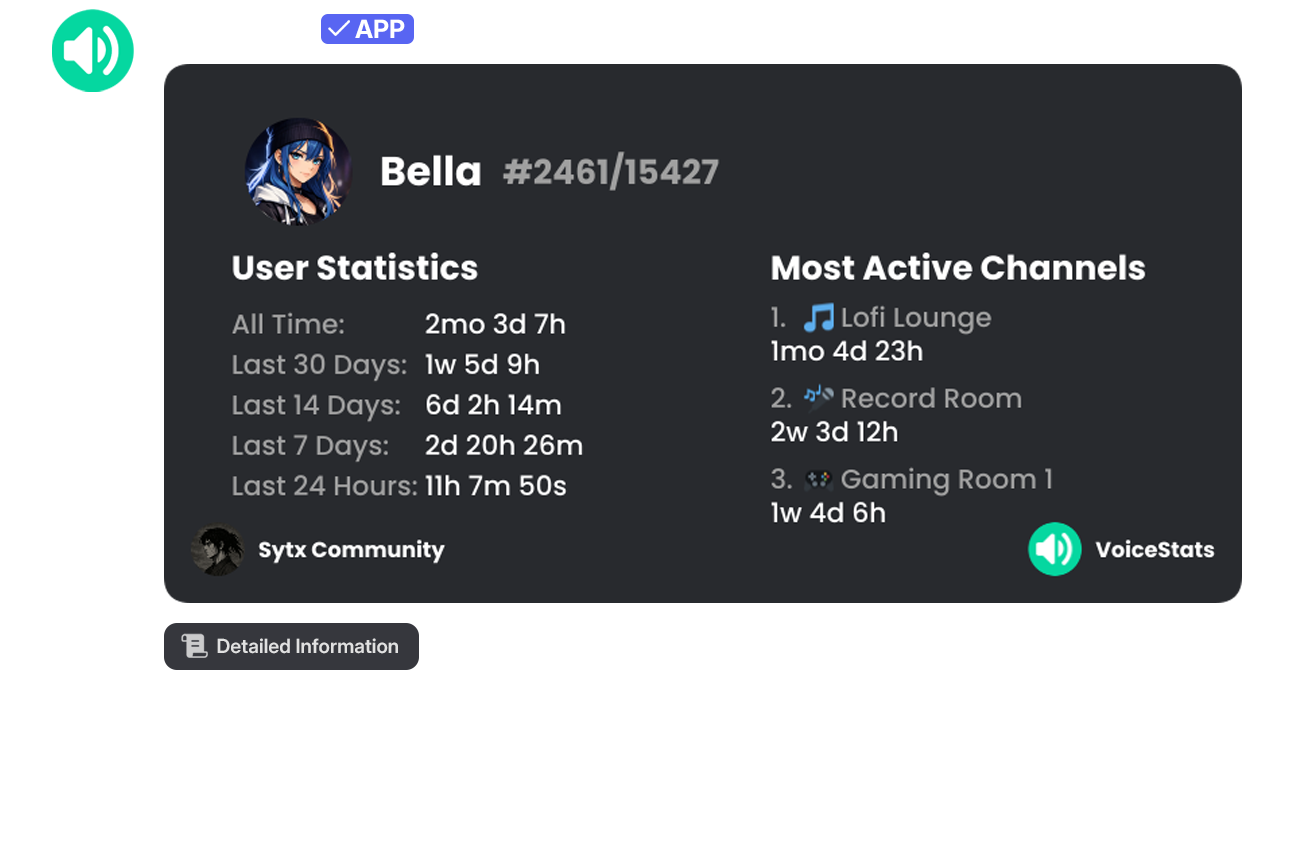
View your voice statistics or the voice statistics of a specific user. The statistics card includes information such as total time, activity in the last 30 days, and the most active channels.
| Command | Description | Usage | Example Usage |
| ------------- | --------------------------------------------- | -------------------- | ------------------------ |
| `/user stats` | View the voice statistics of a specific user. | `/user stats [user]` | `/user stats user:@sytx` |
| `/my stats` | View your voice statistics. | `/my stats` | `/my stats` |
### /user graph and /my graph
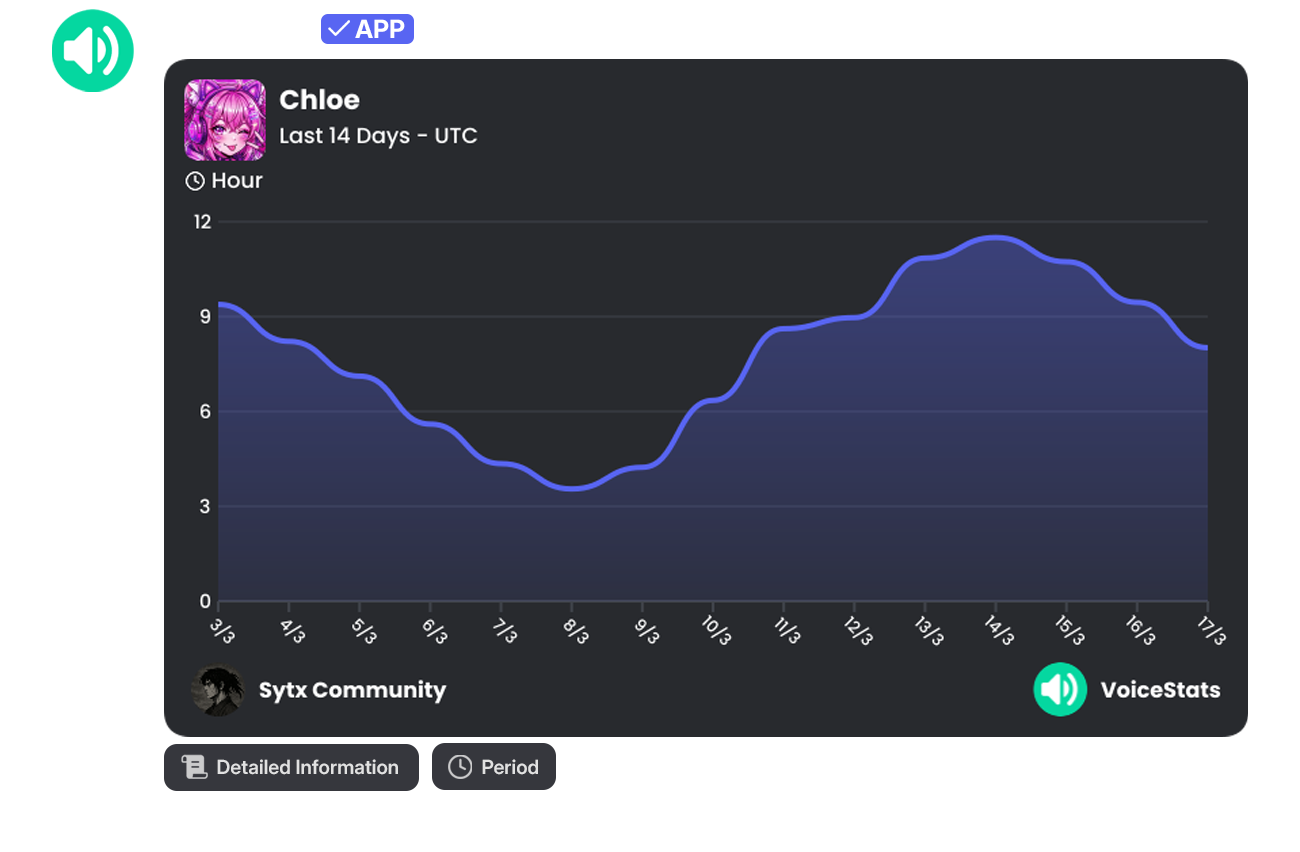
These commands display your voice statistics or a specific user's voice statistics graphically based on the selected period. This allows you to examine the fluctuations in daily voice activity on a visual chart.
| Command | Description | Usage | Example Usage |
| ------------- | --------------------------------------- | -------------------- | ------------------------ |
| `/user graph` | View a user's voice statistics. | `/user graph [user]` | `/user graph user:@sytx` |
| `/my graph` | View your voice statistics graphically. | `/my graph` | `/my graph` |
Using the buttons located below the command output, data can be filtered and different time periods (Last 1 Days, Last 14 Days, Last 30 Days, Custom Period) can be selected.
{% hint style="info" %}
**💎 Info:** The Custom Period filtering feature is exclusive to Premium servers.
{% endhint %}